ICad Workflow
The world of footwear design with ICad 3D+
Whether you prefer 3D or 2D, the choice is yours, and the possibilities are endless.
Let’s embark on a transformative journey together. Your success is our mission.
Improve your digital process using ICad 3D+
Working with ICad 3D+ is very simple and intuitive. The first steps to start working are to import a digital last, prepare this last for the design of the model and start drawing on the last. You can then choose to work on any of the two ICad 3D+ work environments. Either in the virtual 3D environment (creating outsoles and heels, adding volumes and thicknesses, creating accessories, etc.), or in the technical 2D environment (creating flats, patterns, grading, etc.) being able to change from one environment to another at any time.
Virtual 3D workflow
Join the league of innovative designers who’ve mastered ICad 3D+. Start by importing your last and watch your ideas come to life.
Import a digital last
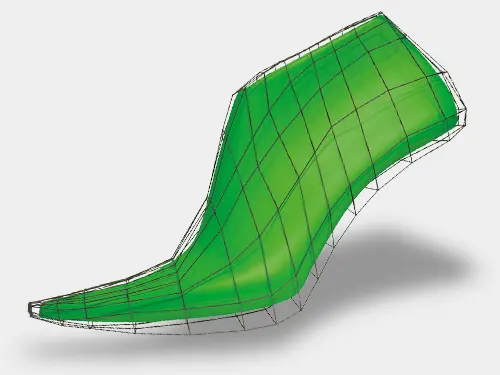
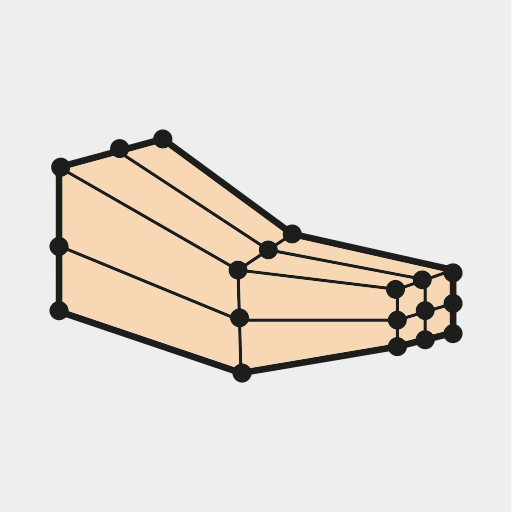
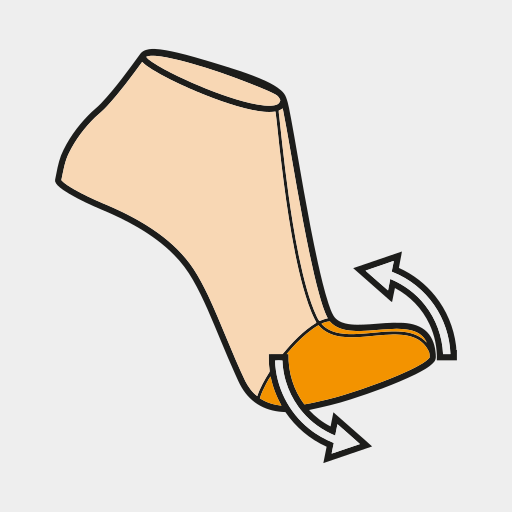
You can modify the original last
The first step of the process is to import a digital last.
ICad 3D+ allows a wide range of formats (HOR, LST, FVR, STL, IGS, SEC, OBJ, etc.).
You can modify the digitized last to create boot last, and even add or merge a mounting sole, internal wedges or platforms.
Deformation by cage
Deformation due to rotation
Preparation of the last
3D lasts
Create virtual lasts for boots and ankle boots following a simple procedure.
Flatten any last
ICad 3D+ achieves flattening of any last, including boots and booties, in a totally accurate and reliable way.
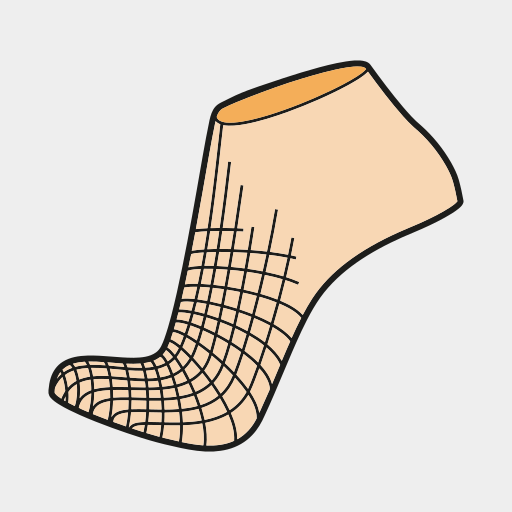
Representation of the 3D surface of the body and the plant on a 2D surface, in this way, any modification in the design line is automatically reflected on the other.
Wizard for creating 3D mesh on the digitized last
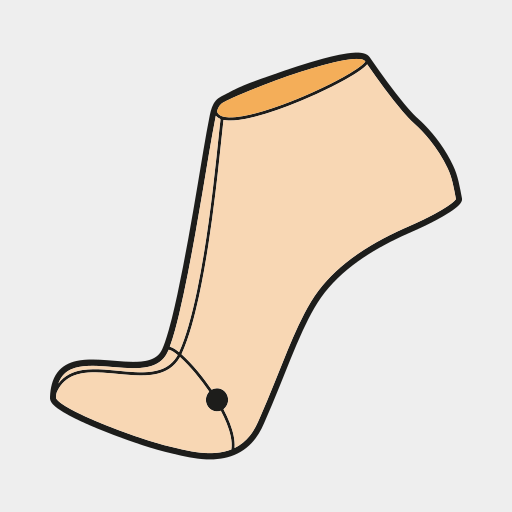
Simple and fast flattening operations
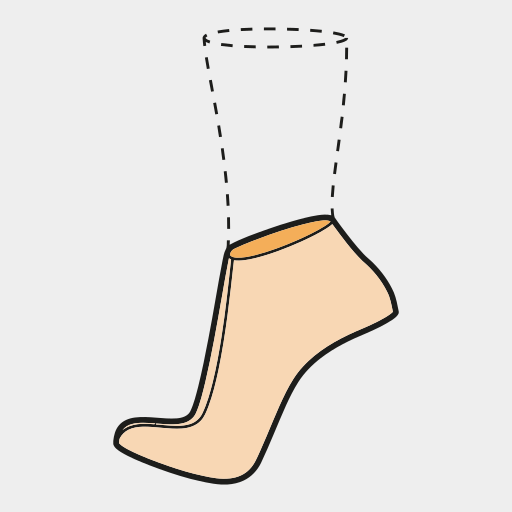
Guided process for creating lasts for boots and ankle boots
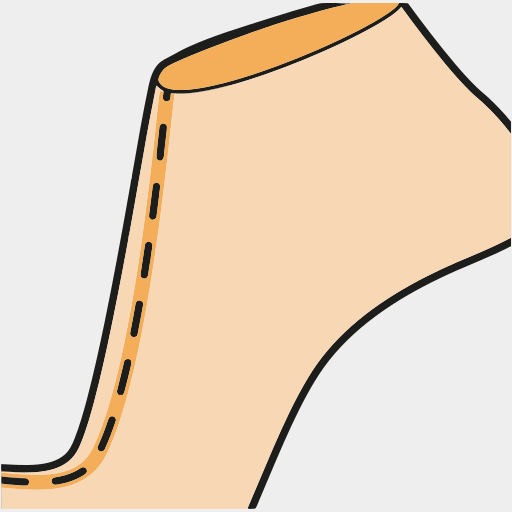
Editable center line
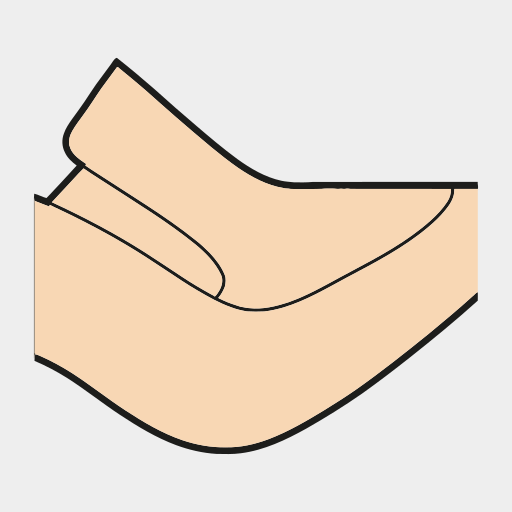
Technical flattening
Absolute accuracy
Obtain 2D flattening of any type of last with absolute reliability and precision, and use them as a basis to create your patterns.
Save time and resources. With ICad 3D+, each modification made in the 2D design lines is automatically and faithfully reflected in the 3D design and vice versa.
Unique and precise flattening for any type of last: women, men, children, etc.
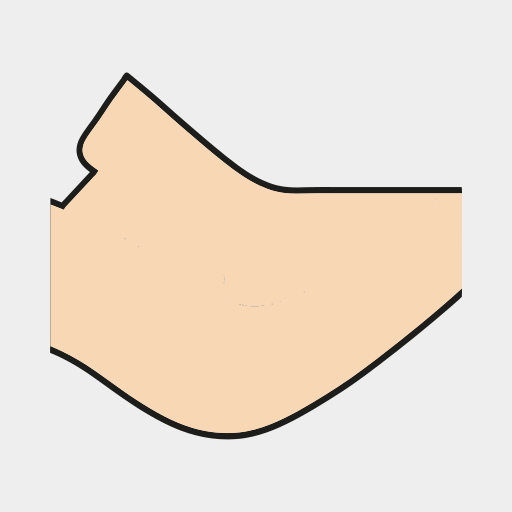
Simple and fast last base operations
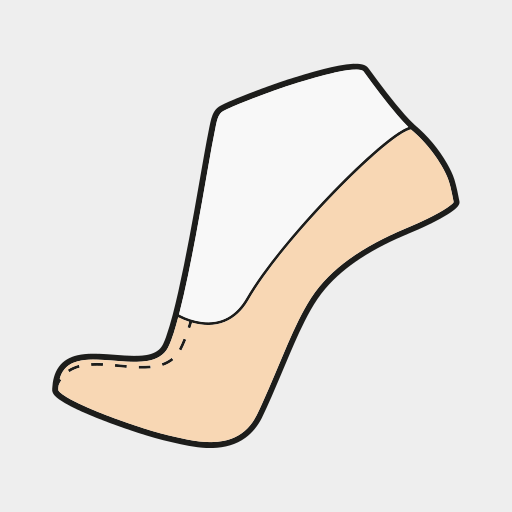
Flattened Strobel
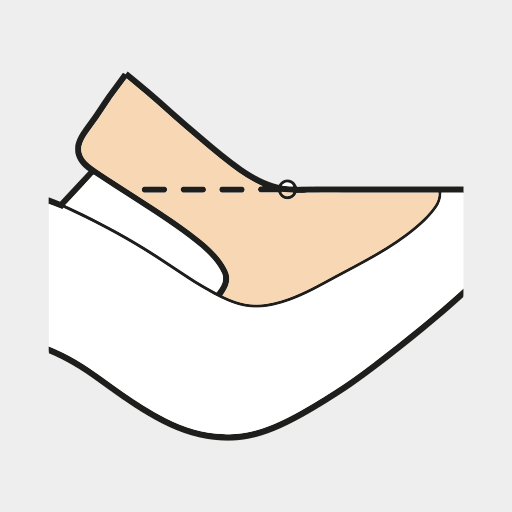
Special flattening of the model parts (Pump Shoes)
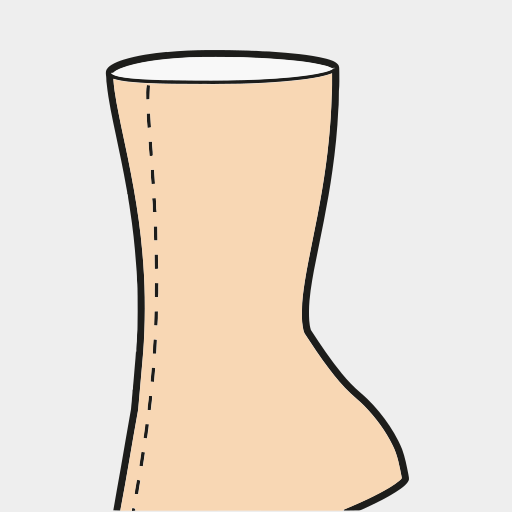
Boot and booties base creation wizard
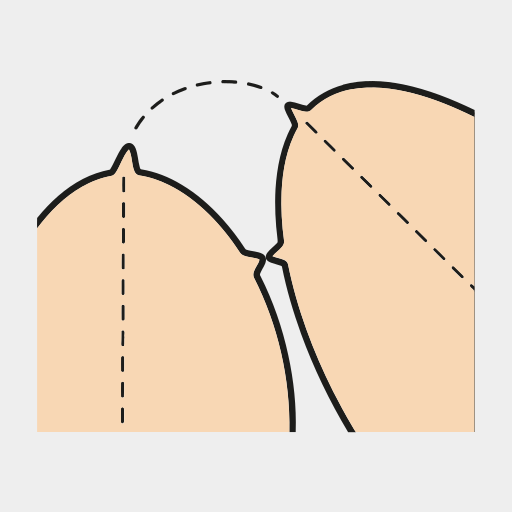
Dependent line rotation
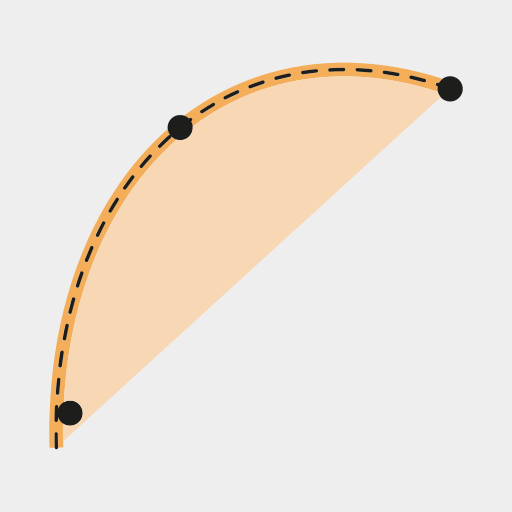
Drawing on the last
Intuitive line design
Drawing on the digital last is as simple as drawing on a real last. Working with ICad 3D+ will allow you to: Use as a reference other model sketches, automatically smoothed curved lines, creation of lines of variable and constant width, insertion of shapes and figures, etc.
Automatically smooth curved lines
Creation of lines of constant width
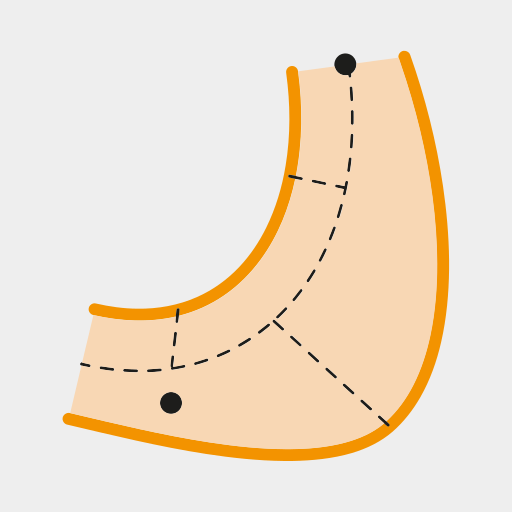
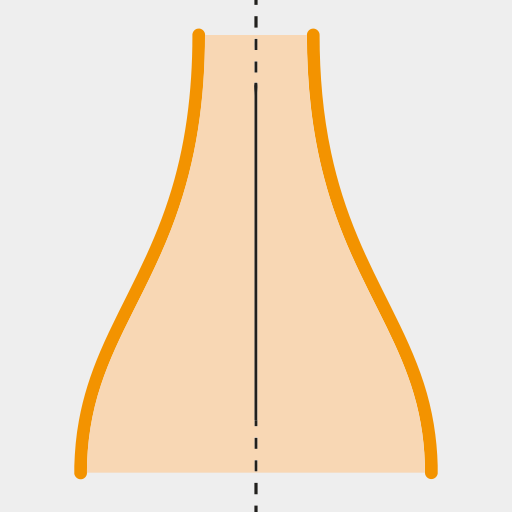
Symmetric lines dependent on a baseline

Insertion of predefined or custom shapes
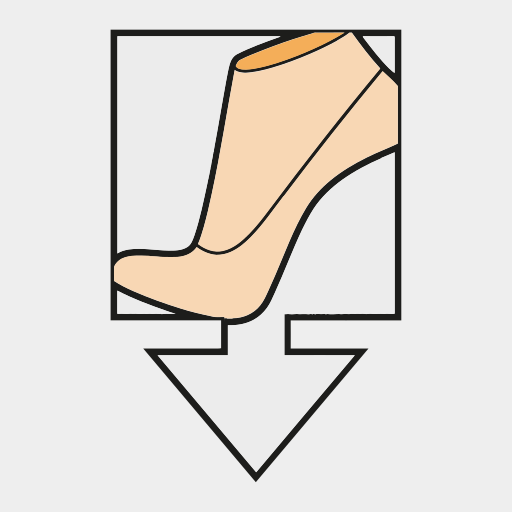
Import of reference images to create lines
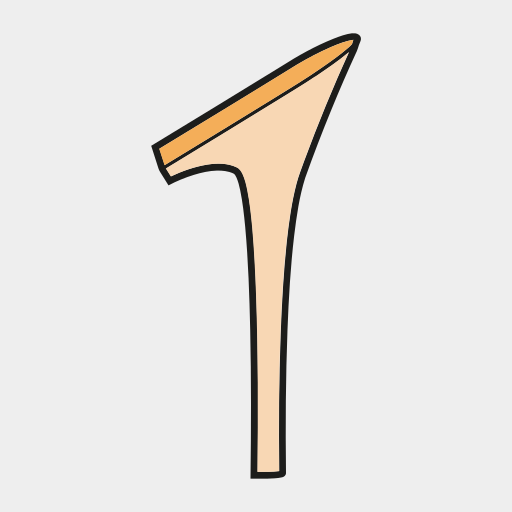
Flats and heels design
Materialize your ideas
Quickly and easily create any type of floor and heels with absolute precision. Using a wizard, you can create and edit the lines of the structure created to modify the component. Components can be exported directly to a 3D printer to produce prototypes quickly, reducing costs and time.
Floor and heels creation wizard
Import of files in STL, VRML, IGS format
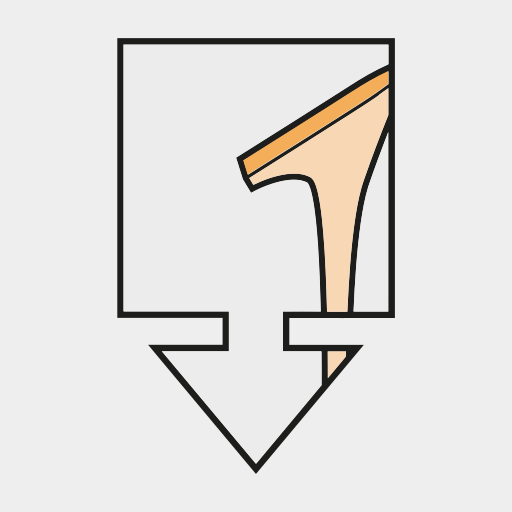
Import of reference images to create flats and heels
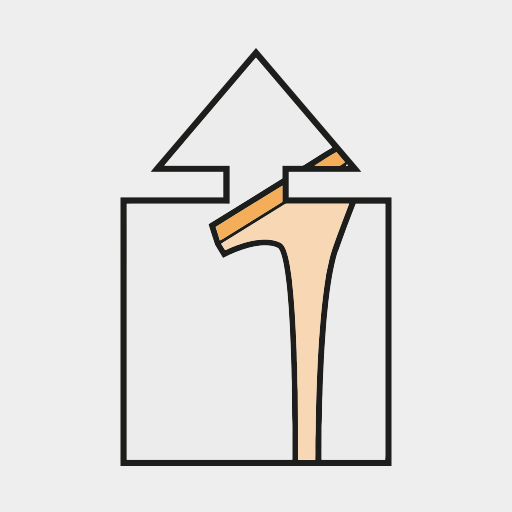
Export of flats and heels for production or 3D printing
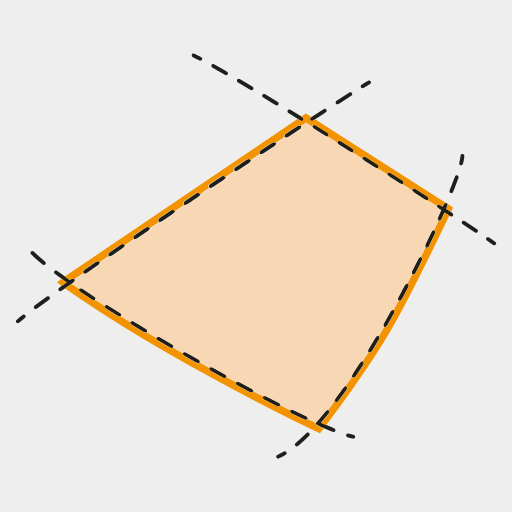
Creation of pieces and thicknesses
Instantly define 3D pieces
Quickly create all the parts of the model, either by selecting the sequence of lines, or with the function of a single “click”. In addition, you can give your model realism by defining the thickness of the pieces, simulating overlapping, choosing types of profiles, padding, stitching, etc.
Creation of parts by line selection
Creation of pieces in a single click

Nozzles
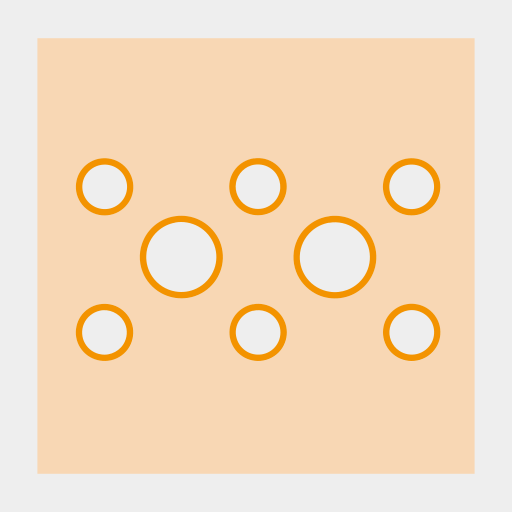
English mouthpiece
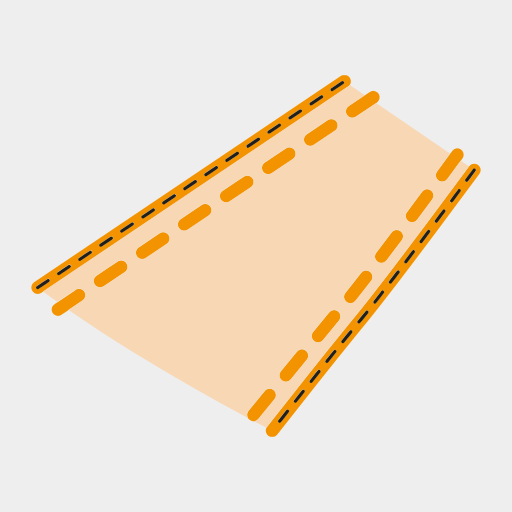
Fully customizable 3D stitching

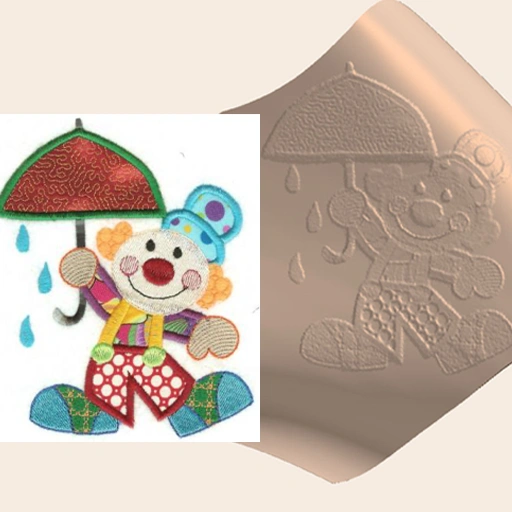
Quilting and engravings
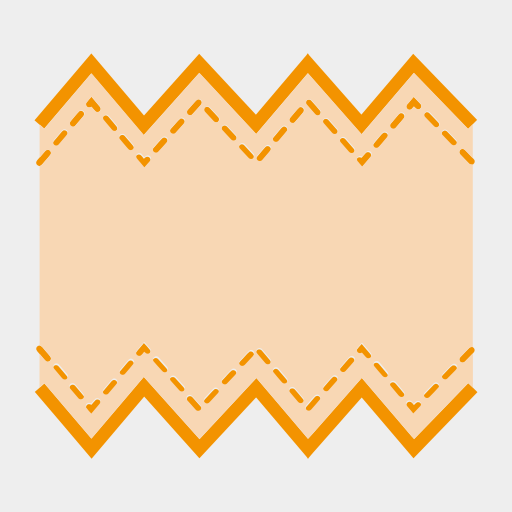
Automatic scallop creation

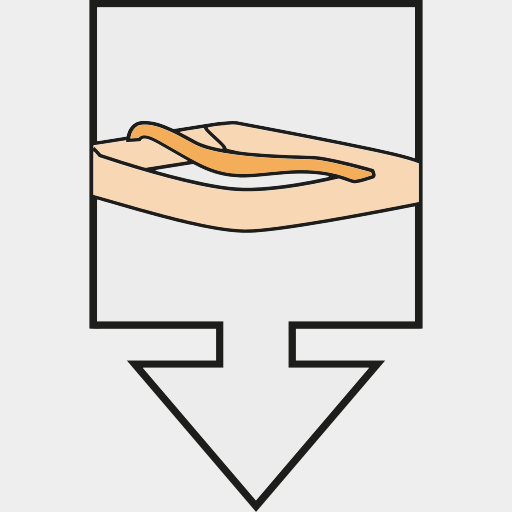
Simulation of overlapping pieces
Details and accessories
Few clicks to create new accessory
Easily create accessories of any shape, material and complexity, and organize your own library.
Add and fit accessories on the model using the transform functionalities to change their size, rotate them, or even automatically distribute several objects with a constant distance.
Import of reference images to create accessories
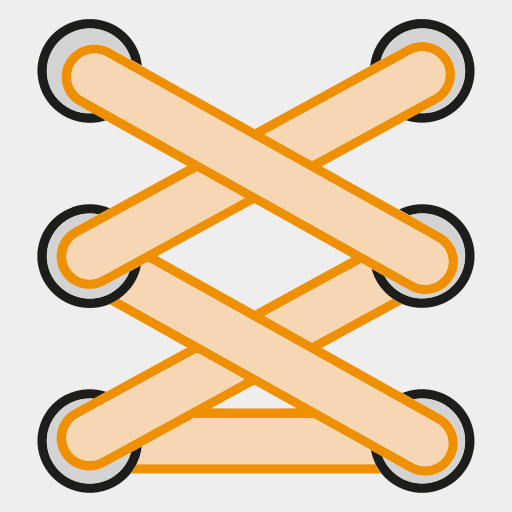
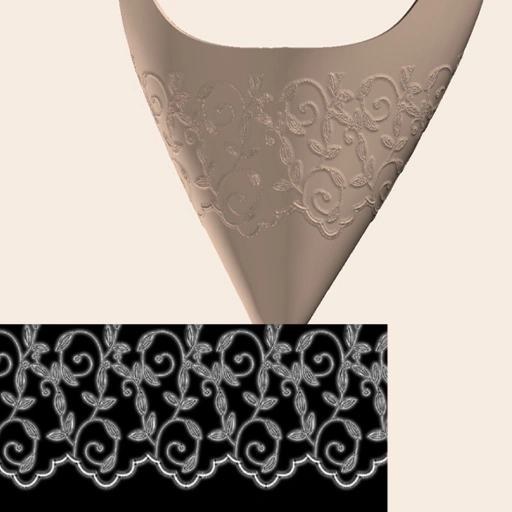
Wizard for the automatic creation and insertion of lace
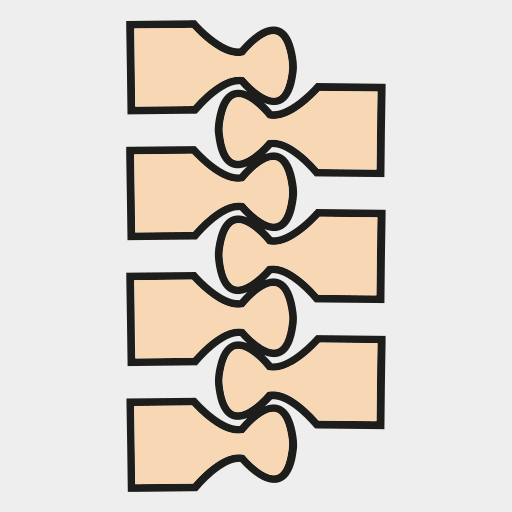
Automatic creation of zippers
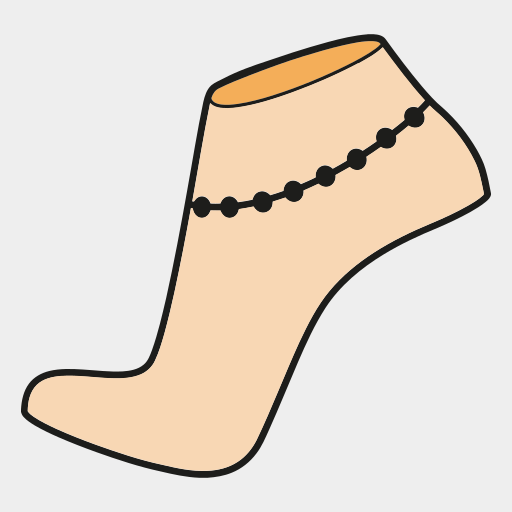
Automatic insertion of accessories on the last
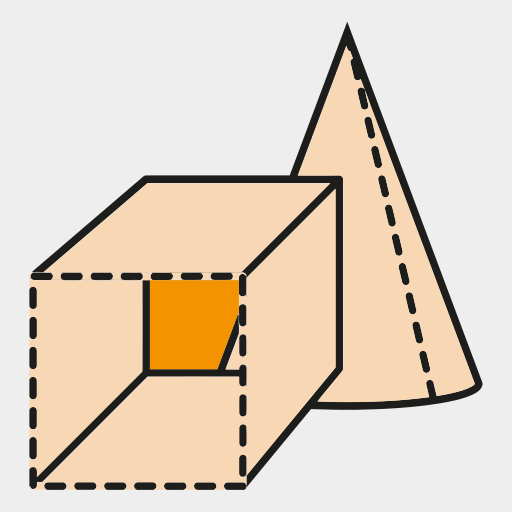
Basic tools for creating surfaces: extrusion, revolution, etc.

Import of files in IGES, STL, VRML format
Materials and variations
Photorealistic materials
ICad 3D+ is designed to speed up the creation of any type of material (leather, rubber, patent leather, metal, gems, glass, etc.) in any color.
Materials can be created directly in the program, through its material’s generation wizard, or through the import of scanned textures that are easily editable with ICad 3D+. The created materials can be saved in your own virtual library for later use.
Creation of materials from a scanned image
Creation of new materials from presets
Virtual deformation
Settings that provide greater realism
ICad 3D+ gives the models added realism, being able to simulate the real loosening of the footwear in which tension changes occur on some materials and parts of the footwear.
Thus, it is possible to perform a multitude of volumetric adjustments such as modifying tongues, altering instep lines, deforming heels and toes (lifting them up), widening shafts, or even simulating wrinkles.
Deformation per cage
Deformation by curve
Deformation by rotation
Render
Imagine and make it come true
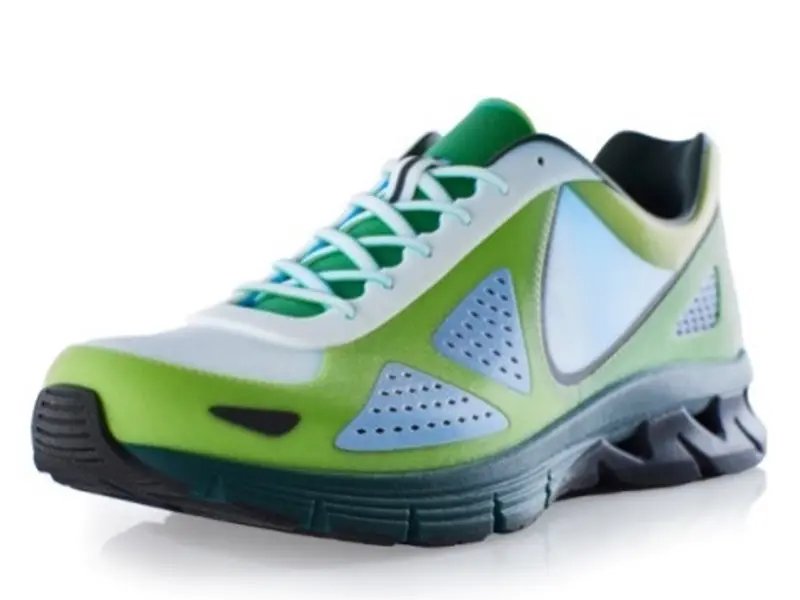
ICad 3D+ integrates an advanced high-quality rendering system that allows images (and videos) to be obtained so real that it is difficult to distinguish whether they have been taken from physical footwear models. Additionally, 3D models can be rendered on any simulated scenery.
Different camera perspectives, position lights at different points, or adjust the lighting to simulate particular lighting conditions until the desired visual effect is achieved.
Predefined scenarios
Creation of 3D cards with information and data

Export to animate directly in Blender
Work on the cloud
Improve the result from teamwork
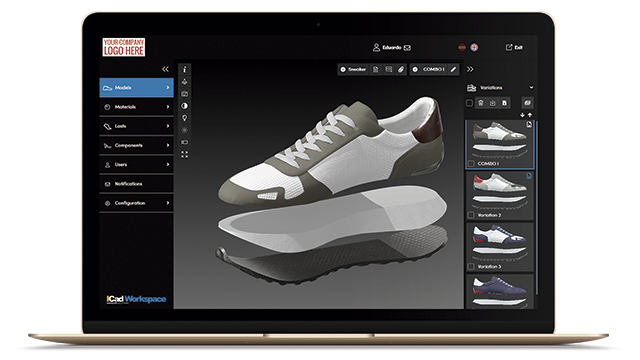
Exports models and their combinations to ICad Workspace. Each team member will be able to share and consult their work from any device and place.
Information of each piece, accessory or component
From any device and place
Work in smarter way with 3D printing
Optimize the costs spent using 3D printing
With ICad3D+, you can easily export models for 3D printing, combining different materials, both rigid and soft. This means that several initial prototypes can be produced in a single day, quickly and cheaply. Thanks to 3D printing for footwear, you can develop a concrete vision of your ideas, testing different shoe-lasts, compositions and styles.

Creating logo of upper

Creating mode of upper
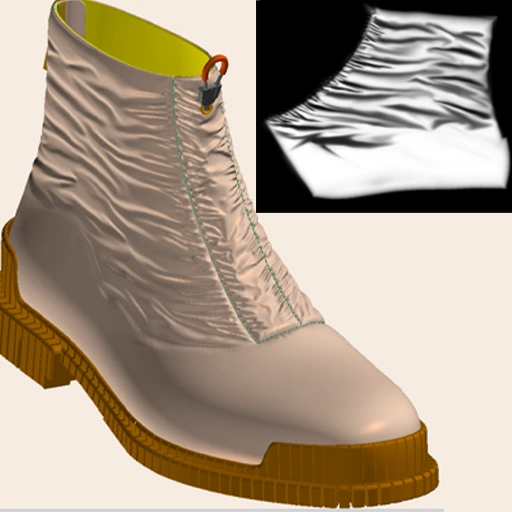
Creating wrinkle fast
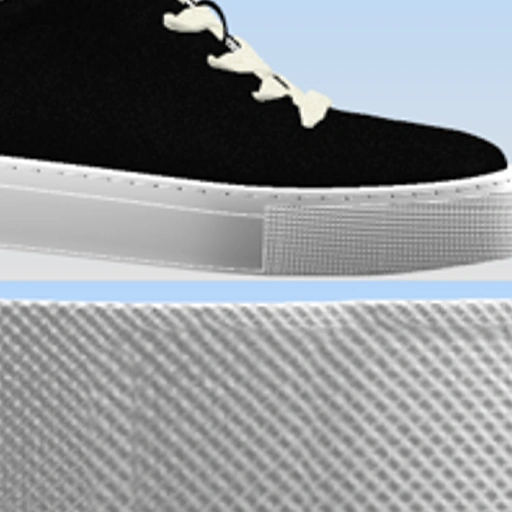
Creating bums for sole

Whole shoe printing
Virtual 2D Technician workflow
Ready to switch seamlessly between 3D and 2D environments? ICad 3D+ empowers you to bring your designs to life your way.
Import a digital last
You can modify the original last
The first step of the process is to import a digital last.
ICad 3D+ allows a wide range of formats (HOR, LST, FVR, STL, IGS, SEC, OBJ, etc.).
You can modify the digitized last to create boot last, and even add or merge a mounting sole, internal wedges or platforms.
Deformation by cage
Deformation due to rotation
Preparation of the last
3D lasts
Create virtual lasts for boots and ankle boots following a simple procedure.
Flatten any last
ICad 3D+ achieves flattening of any last, including boots and booties, in a totally accurate and reliable way.
Representation of the 3D surface of the body and the plant on a 2D surface, in this way, any modification in the design line is automatically reflected on the other.
Wizard for creating 3D mesh on the digitized last
Simple and fast flattening operations
Guided process for creating lasts for boots and ankle boots
Editable center line
Technical flattening
Absolute accuracy
Obtain 2D flattening of any type of last with absolute reliability and precision, and use them as a basis to create your patterns.
Save time and resources. With ICad 3D+, each modification made in the 2D design lines is automatically and faithfully reflected in the 3D design and vice versa.
Unique and precise flattening for any type of last: women, men, children, etc.
Simple and fast last base operations
Flattened Strobel
Special flattening of the model parts (Pump Shoes)
Boot and booties base creation wizard
Dependent line rotation
Drawing on the last
Intuitive line design
Drawing on the digital last is as simple as drawing on a real last. Working with ICad 3D+ will allow you to: Use as a reference other model sketches, automatically smoothed curved lines, creation of lines of variable and constant width, insertion of shapes and figures, etc.
Automatically smooth curved lines
Creation of lines of constant width
Symmetric lines dependent on a baseline
Insertion of predefined or custom shapes
Import of reference images to create lines
2D / 3D Pattern
Agility and precision
Make patterns quickly in a single click or by selecting lines. It works indistinctly in 2D or 3D with the certainty that any technical adjustment will be represented millimetrically in the other working environment.
Add margins (mounted, folded, entrances, etc.) and decorations (figurative, chopped, seams, etc.), quickly and easily.
Using the “Texts” tool, organize the patterns to be cut on cardboard or leather, and facilitate subsequent production tasks.
Creation of parts by selecting lines
Automatic creation of pieces with a single click
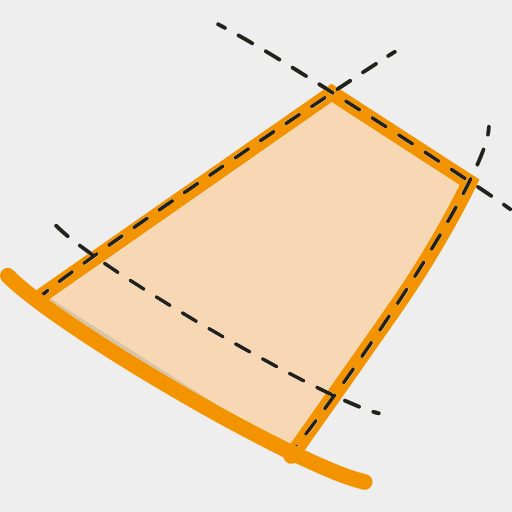
Margins
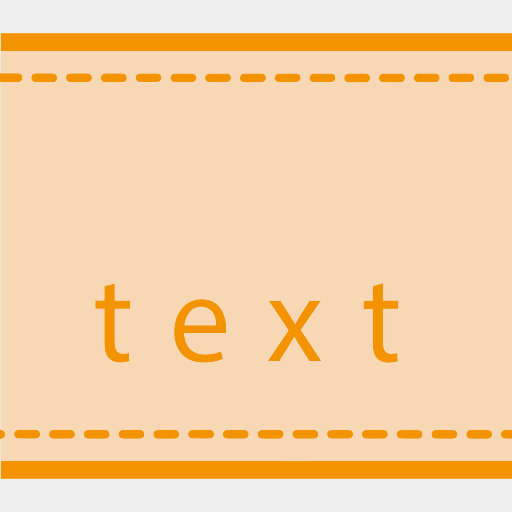
Writing texts
Nozzles
English mouthpiece
Automatic scallop creation

Automatic slots

Distribution of personalized decorations on line
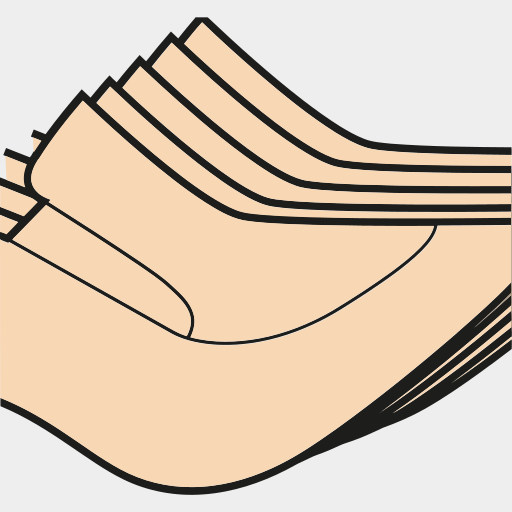
Size scaling
Fast and easy scaling
Work using standard scaling systems or customize them to your needs. In addition, with the modifiers you can control the scaling of each of the baselines, and thus be able to block or scale lines individually to scale pieces such as straps, ornaments, labels, heels, zippers or boots.
Standard scaling increments
Customizable scaling increments
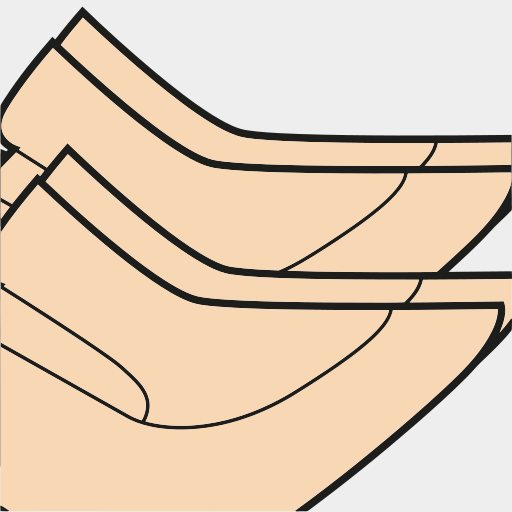
Grouping of sizes
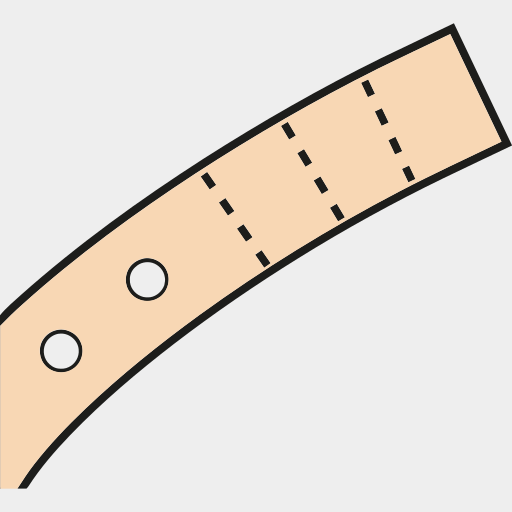
Automatic strip blocking
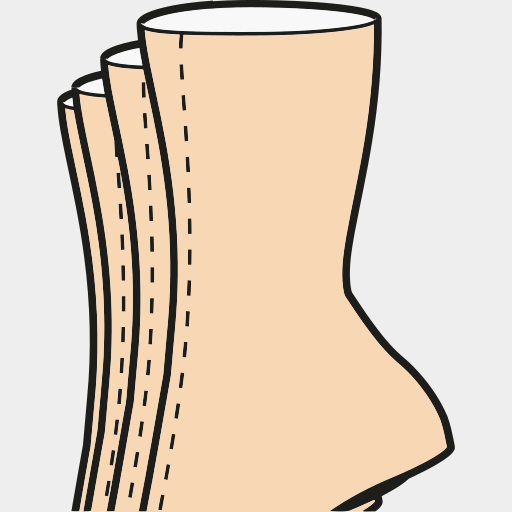
Special scaling for boots
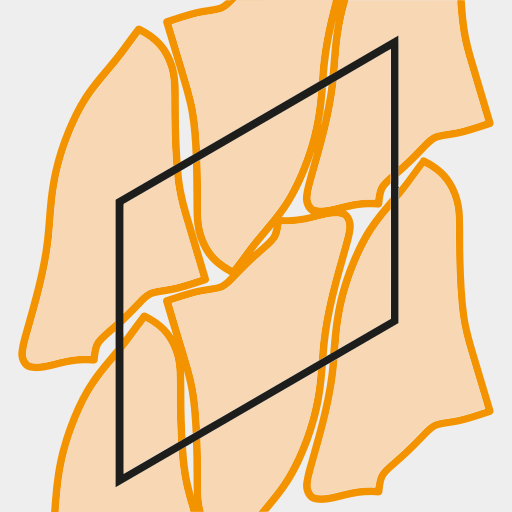
Consumption, technical sheets and cut
Optimize leather consumption
Calculate the material consumption of the model in real time, and minimize waste. Thanks to the 2D / 3D connection, with ICad 3D+ you will be able to modify any line, and update the consumption instantly, without the need to re-flatten. In this way, you can modify the pieces to achieve the best possible use of material.
Customizable technical sheets
Create, and adapt to your needs, technical sheets for the design and production phases. Export them to pdf integrating any type of information, photographs and even rotatable 3D objects.
Cut your pieces on any cutting machine
Export your patterns to any cutting machine without any additional adaptation and without ever losing the correlation between 3D and 2D. Direct connection to ICad Nest.
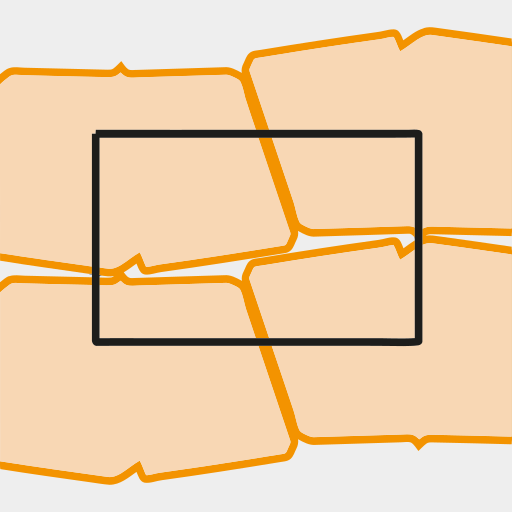
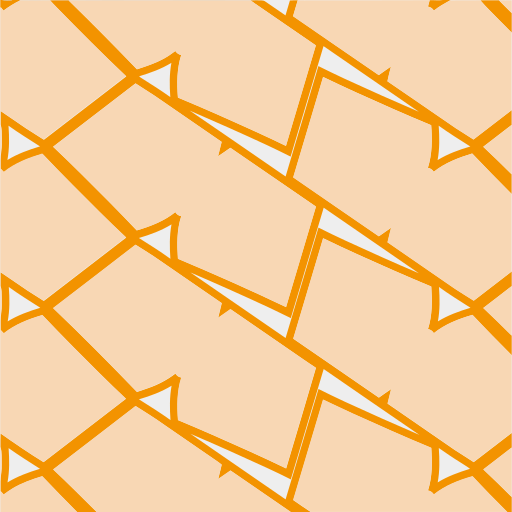
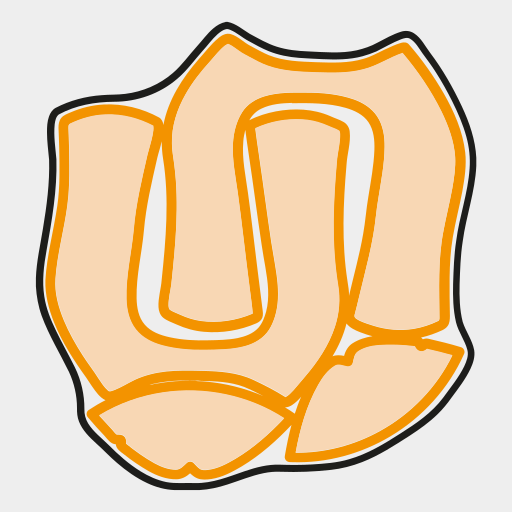
Parallelogram
Rectangle
Synthetic
Contour
Why choose us?
Save time, save costs, gain precision
ICad 3D+ is the first software for footwear design and pattern engineering that integrates into a single program two different environments, 3D design, and 2D patterns, which work in parallel and simultaneously. This way, ICad 3D+ is presented as the best virtual alternative to the traditional process of design and pattern engineering, reducing the time spent as well as the material and human resources of the company.
Main features
Design, create and modify...
Flatten lasts...
Soles, heels and accessories
Render
Modify the flattening...
3D Printing
Our services
Helpdesk and support
Support and resolution of doubts
Personalized training
Get the most out of the software
Periodic updates
Improvement and addition of new functionalities